
Software · AI · Automation
Build the system.
Automate the work.Capture → CRM → Record
We build AI agents, workflow automation and custom software that help service and operations teams respond faster, reduce admin and keep work moving from lead to completion.
What we build
Connect the operation, not just the apps.
One system.
A clearer way to work.
Bring requests, people, software and data into one working flow so fewer handoffs get lost and every next step has an owner.
WorkflowTechnology
The problem decides the stack.
Software where you need structure. Automation for repeatable work. AI for ambiguity. People where judgment matters.
Services
Software, AI and automation that move work forward.
From lead capture and dispatch to approvals, reporting and internal tools, we build systems that remove repetitive work and give teams a clearer next step.
Understand. Build. Connect.
AI agents that work with your business knowledge, tools and approval rules. Built around a defined task, with a clear path back to a person.
Explore this serviceConnect the steps between intake, assignment, approval and completion so the work stops depending on someone remembering to move it along.
Explore this serviceInternal tools, portals and operational applications for workflows that no longer fit inside spreadsheets or an off-the-shelf subscription.
Explore this serviceTurn a product idea into a focused application, from workflow and UX through architecture, implementation and a controlled launch.
Explore this serviceA connected lead journey from first inquiry to qualification, follow-up and pipeline reporting.
Explore this serviceConnect source systems, define the measures and give operators reporting that supports an actual decision.
Explore this serviceFast websites, customer portals and campaign landing pages connected to your lead pipeline. Designed to turn interest into a clear next step.
Explore this serviceSystems we build
See how the work moves when the system is connected.
Leads, jobs, approvals, knowledge and reporting can move through one connected system for field service, customer and internal operations teams.
Explore the system 01 / 03
01Revenue operations
A lead comes in. The right work follows.
Capture the source, qualify the request and give every opportunity an owner. Connect your forms, CRM and follow-up without losing context.
- Lead capture
- Owner assignment
- Follow-up visibility
 Software. AI. Connected.
02Field service operations
From the first request to the finished job.
Connect the office and the field. Keep scheduling, job details and completion records together so everyone knows what happens next.
- Job intake
- Dispatch & scheduling
- Completion records
 Software. AI. Connected.
03AI knowledge systems
Company knowledge. Ready when it matters.
Turn scattered documents into useful, source-linked answers. Respect access permissions and send uncertain questions to the right person.
- Private knowledge
- Cited answers
- Human escalation
 Software. AI. Connected.
How we work
From the first question to a working system.
Clear scope, reviewable progress and tested workflows, from the first workflow map to a controlled production release.
Understand the work
Map users, tools, handoffs and exceptions. Agree what better operation would look like.
Workflow map · problem briefDesign the system
Define the user experience, architecture, permissions and the responsibilities of AI and people.
System design · delivery scopeBuild & connect
Develop the application and integrations in useful slices, with reviewable progress.
Working software · connected workflowsValidate
Test failures as well as happy paths: permissions, data, handoffs, accessibility and recovery.
Acceptance evidence · release checklistDeploy & improve
Launch with operating instructions, a clear owner and a backlog informed by real use.
Controlled release · iteration planWhy Sequence Automate
Less admin. Faster handoffs. Clearer ownership.
Request receivedOwner assignedNext action, clear.
Start with the workflow
Find the delays, duplicate entry and repeated handoffs that cost time before choosing a tool.
Automate · Review · Approve
Keep people in control
Automate repeatable steps while approvals and exceptions stay visible to the right person.
Build for production
Build permissions, retries, monitoring and recovery into the system from day one.
What needs my attention?Exceptions, with context.Everything else keeps moving.
Design for adoption
Give each role a clear next action so the system is easy to use in real work.
Inside the system
Everything needed to move work from request to result.
Bounded AI agents
Useful actions, grounded answers and explicit limits.
Connected information
APIs, data pipelines and a reliable system of record.
Voice workflows
Intent, intake, routing and verified next steps.

together.
Human approval
The right decision reaches the right person.
Operational visibility
Traceable actions, exceptions and recovery paths.
Purpose-built software
Internal tools, portals and production applications.
Your ecosystem, connected
Better together. By design.
Keep the tools that already work. Connect APIs, data and workflows so information moves reliably between systems without repeated manual entry.
Sequence orchestration
One enquiry becomes an owned next step. Rules verify the record before anyone is notified.
 01
01Capture the enquiry
Form → name, email, request
 02
02Validate & route
Check consent and duplicates
 03
03Extract intent
Return structured requirements
 04
04Create the opportunity
Save context and assign an owner
 05
05Request human review
Send the record and next action
 06
06Record the outcome
Store status and attribution
Example workflows, scoped around your platforms and permissions.
Where it fits
Built for operations where speed and follow-through matter.
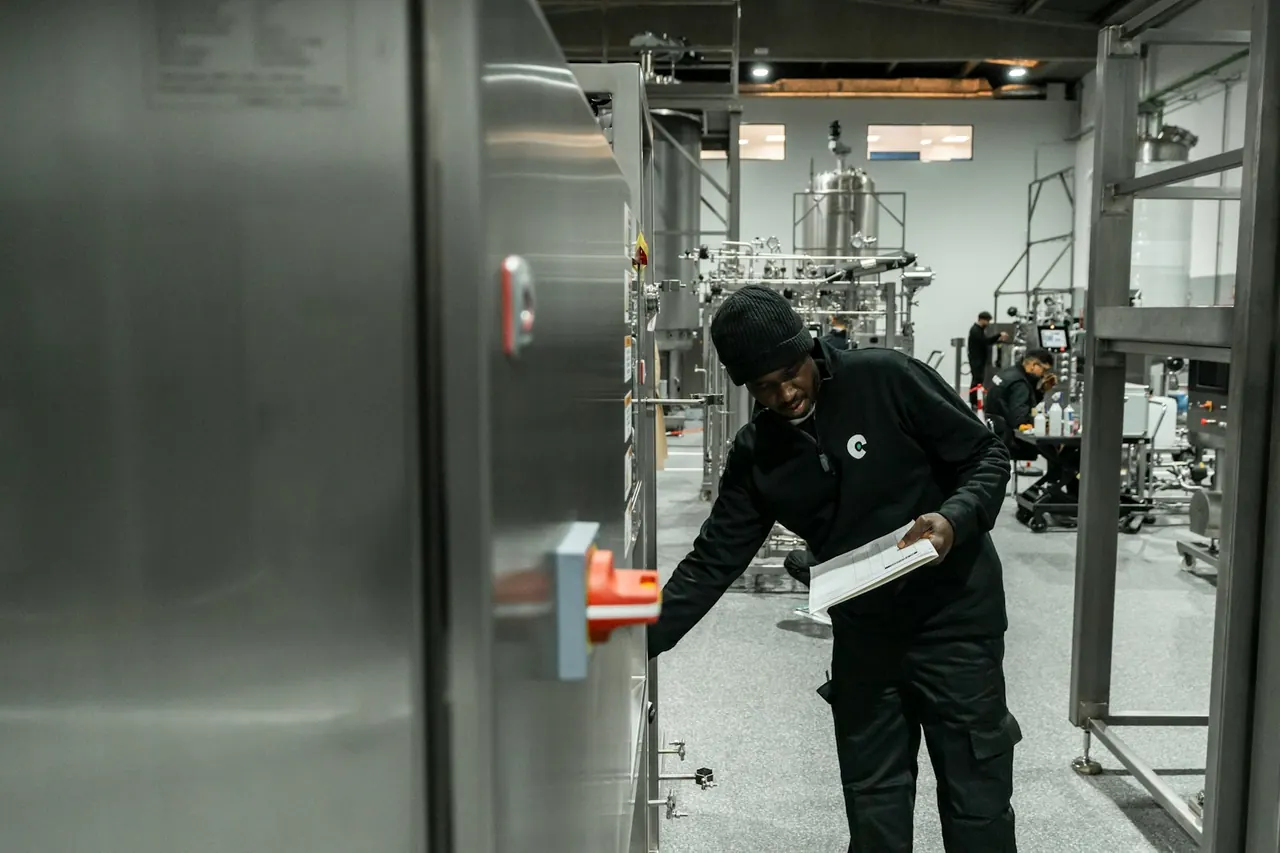
Field service teams in HVAC, plumbing and electrical, healthcare administration, industrial operations, logistics, finance, HR and customer operations all have different rules. We design around the real work.
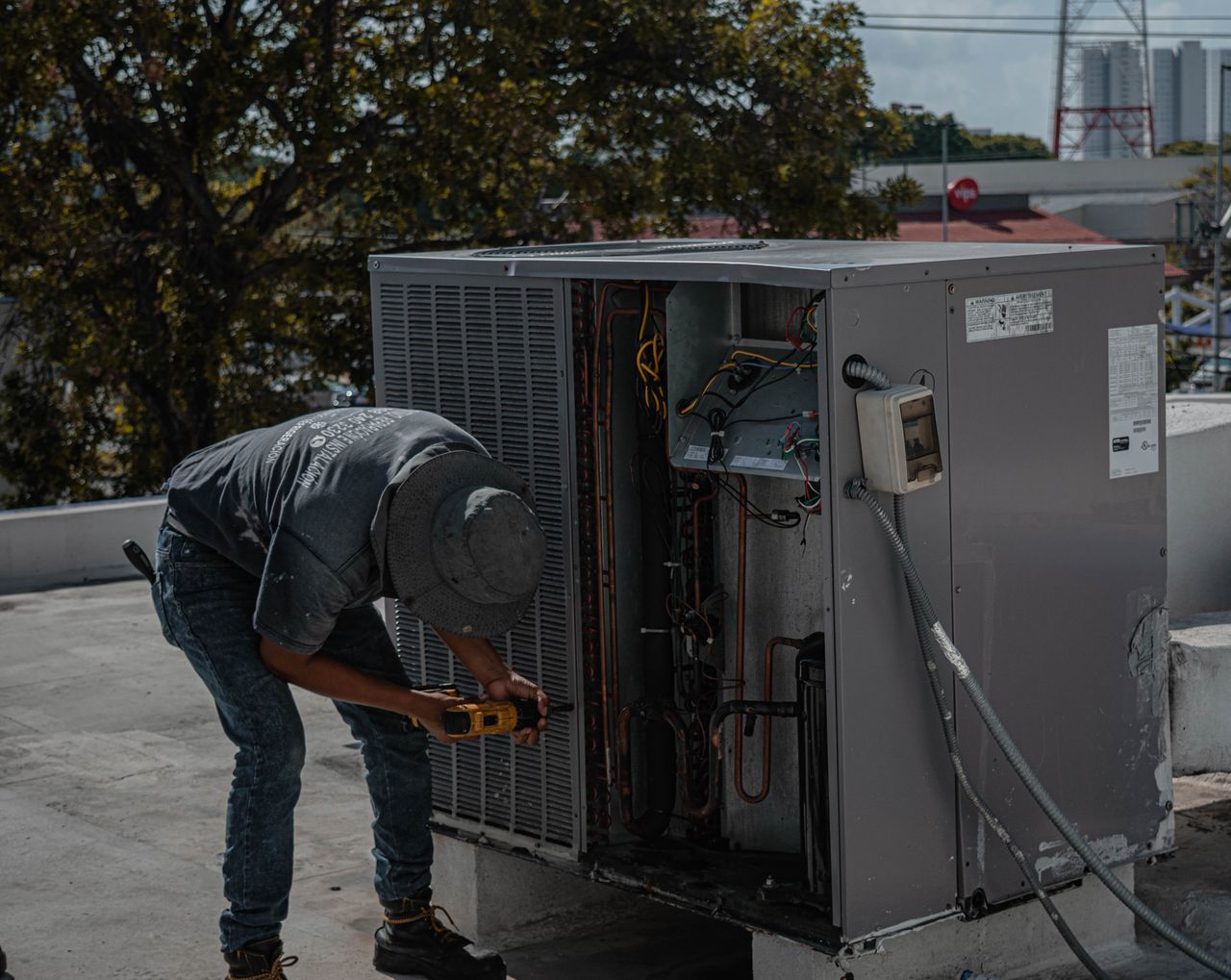
Current stateJob scheduled
TradeHVAC
TechnicianAssigned
CustomerUpdate queued
Field Services
Operational software and automation for service businesses managing requests, technicians, quotes and repeat work.

Current stateQueue in progress
IntakeRecorded
OwnerAdmin team
NextReview
Healthcare Operations
Workflow tools for document processing, billing review, claims administration and operational reporting.

Current stateInspection active
AssetProduction line
OwnerOperations
StatusIn review
Business Operations
Internal applications for approvals, requests, knowledge and work that crosses teams.

Current stateConversation owned
ChannelInbound
OwnerAssigned
NextFollow up
Sales & Customer Operations
Connected customer intake, CRM, support and follow-up workflows that preserve context across teams.

Current stateDashboard refreshed
SourcesConnected
MetricsReconciled
NextReview trends
Finance Operations
Internal workflows for financial documents, reconciliation support and management reporting.

Current stateWorkflow assigned
RequestEmployee change
OwnerPeople team
NextApproval
HR & People Operations
People operations tools for onboarding, documentation, approvals and internal knowledge.
Contextual stock photography illustrates the type of work. It does not depict Sequence Automate clients or employees.
A sensible starting point
Start focused. Build with purpose.
Choose a focused starting point that produces a clear implementation plan or a working release, then expand from evidence.
Workflow Opportunity Sprint
Clarity before code.Map the workflow, identify constraints and leave with an implementation plan.
Workflow map · Architecture · Build plan
Start a ProjectAutomation / MVP Build
A focused production build.A scoped agent, workflow, internal tool or first product release.
Defined scope · Build · Validation · Handover
Start a ProjectOperating System Build
Connect the whole operation.Multiple workflows, custom software, integrations and operational visibility.
Platform · Permissions · Integrations · Data
Start a ProjectContinuous Optimization
Keep improving through use.Expand automation, improve product workflows and maintain the system as needs change.
Monitoring · Iteration · Support · Reporting
Start a ProjectNotes on better systems
Practical guides for automation, AI and operations.
Current stateBounded action ready
SourcesApproved context
Tool scopeCRM + email
ReviewHuman gate
Where AI agents belong in a business workflow
A practical framework for deciding where AI adds useful judgment, where deterministic automation should stay in control and where human review belongs.
Read the articleCurrent stateFollow-up queued
SourceWebsite enquiry
OwnerRevenue team
SLARespond now
From form submission to an owned sales opportunity
A practical inbound-lead operating model for capture, attribution, CRM ownership, first response, follow-up tasks and stopping rules when a prospect replies.
Read the articleCurrent statePlatform fit checked
LogicMulti-step
ConnectionsAPI capable
OperationsRetry path
n8n, Make or Zapier: choose around the workflow
A platform-selection framework based on branching, failure recovery, execution visibility, hosting control and the operational consequence of a failed workflow.
Read the articleBefore we begin
Good questions. Straight answers.
What does Sequence Automate do?+
Sequence Automate builds AI agents, workflow automation and custom software for business operations. We map the workflow, design the system, connect existing tools and support a controlled launch.
What is the difference between workflow automation and an AI agent?+
Workflow automation follows defined triggers and rules, such as routing a form submission to a CRM. An AI agent interprets less structured information, such as a caller’s question or a document. A reliable system often combines both, with software validating actions and people reviewing exceptions.
Where do we start?+
Send a short description of the work you want to improve. We review the workflow, existing tools and constraints, then recommend a focused sprint or a clearly scoped build. No call is required to submit a brief.
Do we need to replace our existing software?+
Often, no. We first look at configuration, APIs and integration options. Custom software fills the gaps where existing tools cannot support the workflow well.
How much does an engagement cost?+
Cost depends on the number of workflows, integrations, users and operational requirements. A Workflow Opportunity Sprint defines the scope before a build. Share a budget range in your brief so we can recommend a practical starting point.
Can you work with our team asynchronously?+
Yes. Written briefs, recorded walkthroughs and reviewable milestones can carry much of the project. We use a meeting when it will resolve a decision faster.
Who owns the software?+
Ownership, source-code handover and any third-party licences are defined in the project agreement before work starts. We make ongoing dependencies and operating costs visible.
What happens when AI is wrong or an integration fails?+
We design explicit limits, validation, retries and exception handling. High-risk actions need human approval. Evaluation and recovery requirements are agreed for the specific workflow.
Do you provide ongoing support?+
Continuous optimization can cover monitoring, improvements, integrations and product iterations. Scope, response expectations and provider costs are agreed separately.
Start a project
Tell us what needs to work better.
Share the workflow, product or operational bottleneck. We’ll review the context and recommend the most practical next step.
Email usinfo@sequenceautomate.comAsync-first. Available worldwide.
No meeting required to send your brief.